


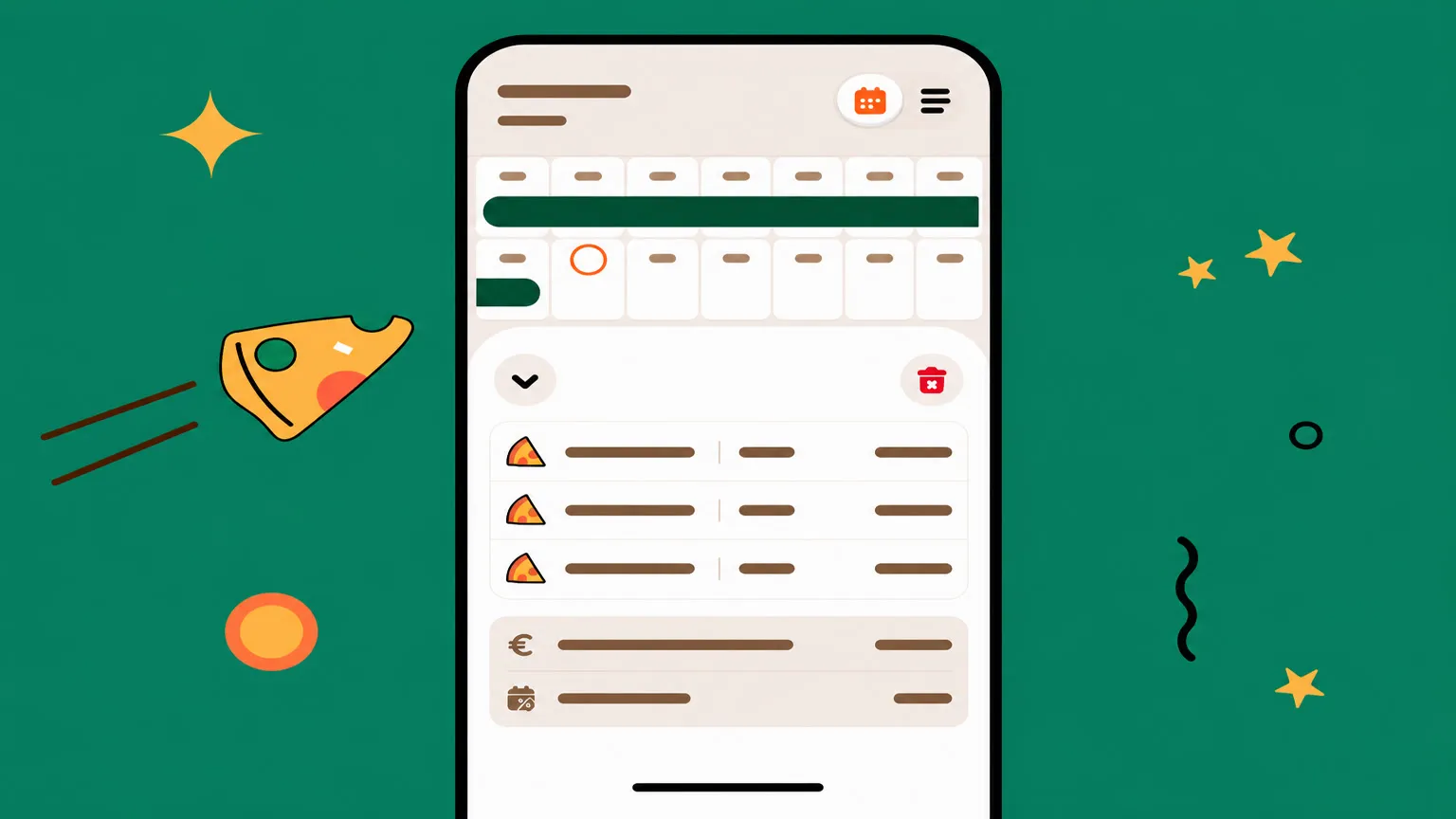


The first split in Tipza is not a setup wizard. It is the same loop you will run tomorrow, done once with the roster in front of you: who is in, what the pool is, which rule applies, who received what.
Fairness still comes from the rule, not from the app. A code of practice can list the factors a fair allocation may rest on — role, hours, performance — but it will not pick them for you[1]. Tipza applies the choice you make and keeps the working.
Add the people first
A split with the wrong roster is a precise wrong answer. Before the total, add everyone who should be in tonight’s pool — name, role, and, if you use points, the weighting for that role.
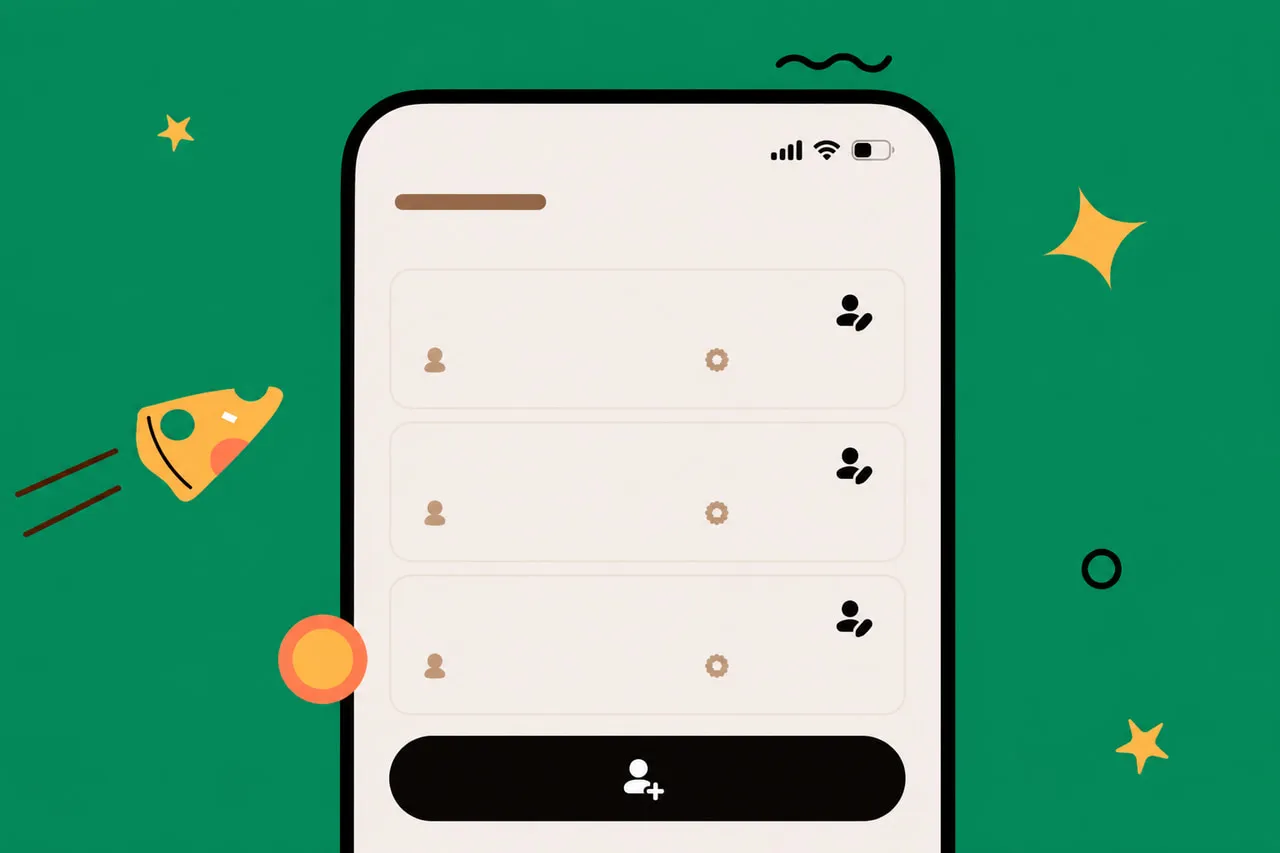
Hours are entered per split, because they change every night. Points belong on the person, because they should not. If the runner is 0.7 tonight they should be 0.7 on Saturday unless you have actually changed the scheme.
Enter the pool, pick the method
One total. Cash counted, card tips from the terminal, plus anything else the policy says is shared. Tipza does not know what you left in the tin.
Then pick the method that matches the written rule:
- Equal — same window, same share.
- Hours — a per-hour rate, then each person’s hours.
- Points — role weight times hours.
- Custom weights — the numbers you already agreed, applied as entered.
Switching methods because tonight was busy is how a rule becomes a mood. The app will do whichever you tap. That is not a reason to tap a different one.
-
Confirm the roster
Everyone the rule includes, nobody it does not. A person who left early stays in, with fewer hours.
-
Enter the total and the method
One pool, the method on the policy page. Attach a date or a range so the next shift can find it.
-
Read the working, then share it
Hours, points, rate, shares. Send the same breakdown to the team. Leftover cents can wait in the split until next time.
Share the same numbers
A split nobody else has seen is not finished. Share the breakdown so the people in the pool can see the hours and the shares, not only their own amount. The closer should not be the only person who could reconstruct the night.
Tipza does not pay anyone. It records what you entered and what the method produced. Payouts stay on whatever rails the workplace already uses — cash, transfer, the next payroll run. The app’s job is that those rails carry a number everyone has already seen.